Look what I did
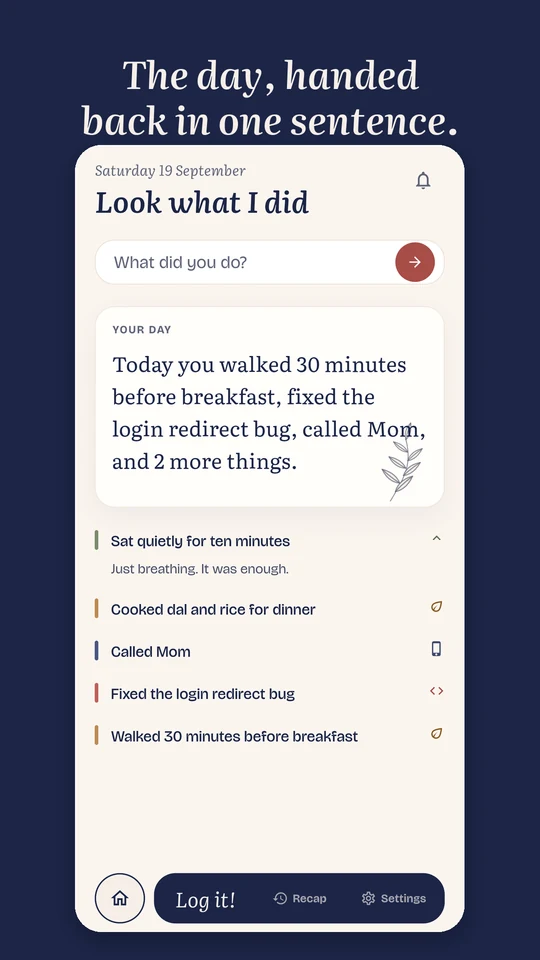
A reverse to-do list. Log what you did, and the app hands the day back as one sentence.
Get it on Google Play Read the guide
Today you walked 30 minutes, fixed the login bug, and called mom.
Built on your phone from the lines you logged.
Most days end with the feeling that you got nothing done, and that feeling is usually wrong. The mind holds on to what is unfinished and quietly lets go of what you finished, so by evening you remember everything still open and almost nothing you closed.
LookWhatIDid asks the other question: what did you do? You can always answer it, even on a bad day.
A look inside
-
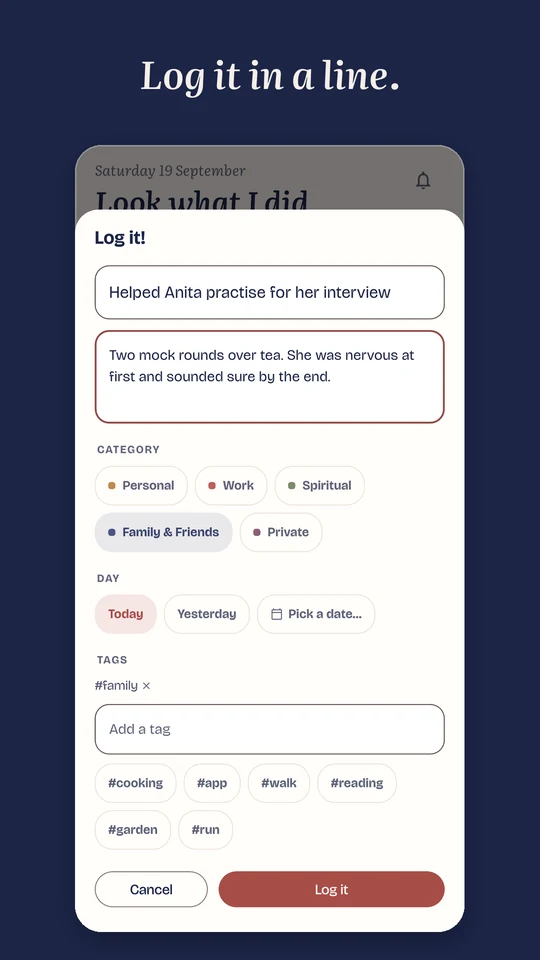
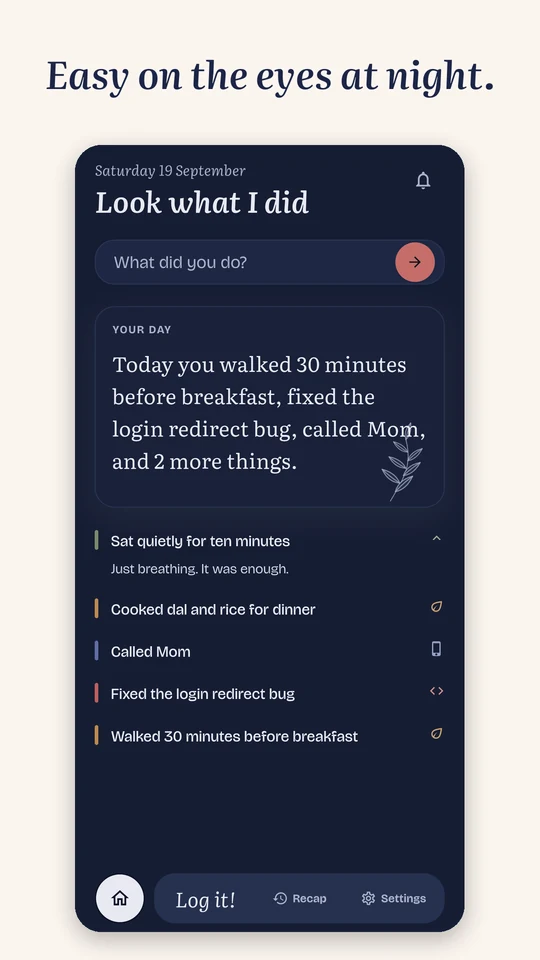
Log in a line
Type what you did and press return. Add a description, a category, tags or a different day only if you want to.
-
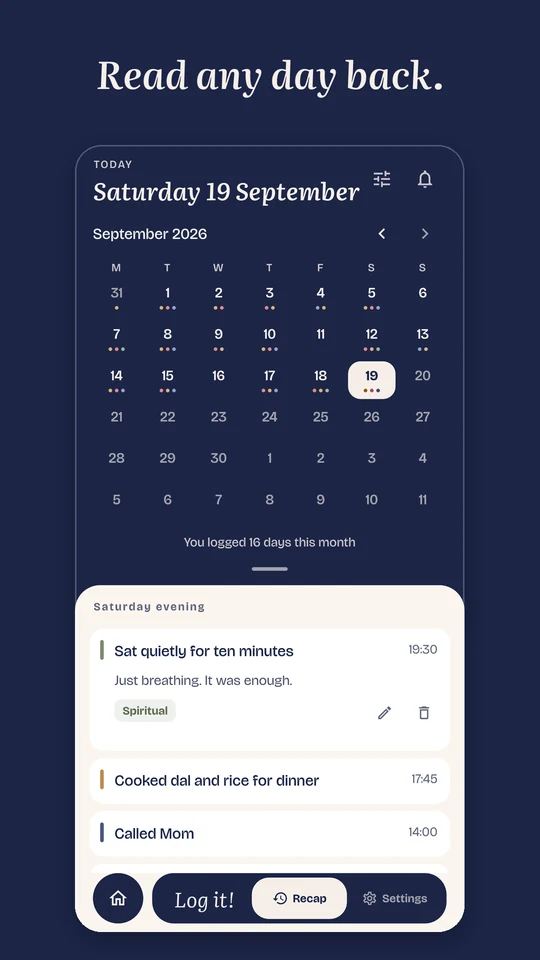
Get the day back
The app reads your entries back as a single sentence, built on the phone, never sent anywhere to be written.
-
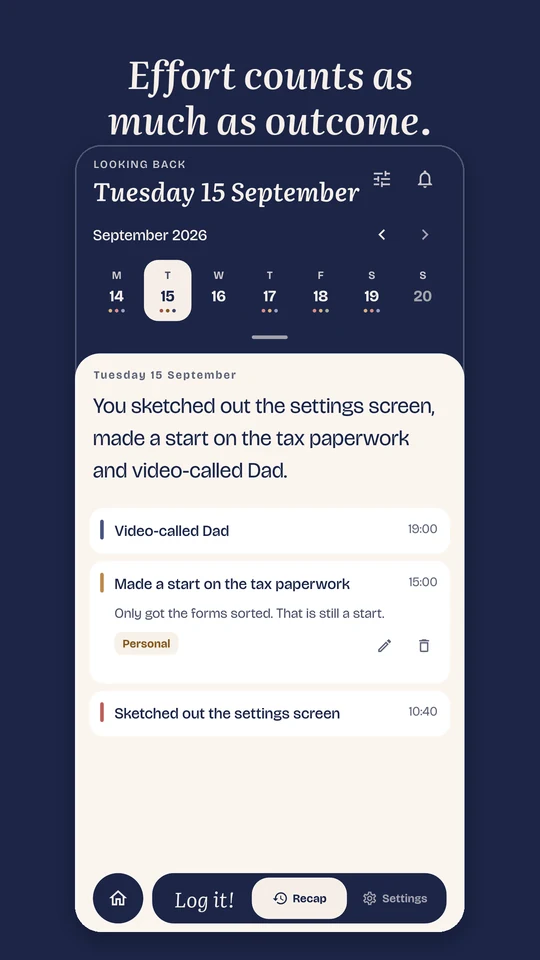
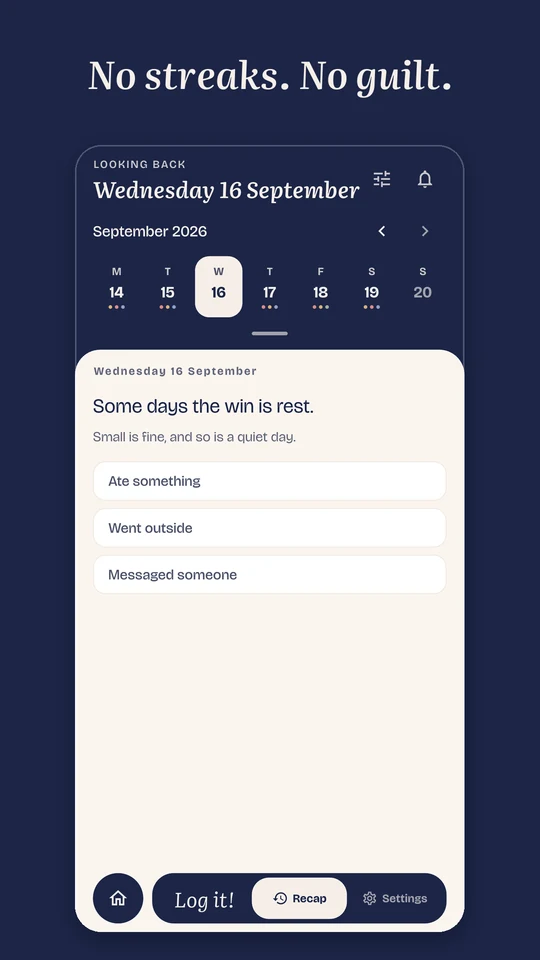
Nothing to fall behind on
No streaks, no scores and no "you missed a day". Rest counts, small things count, and a gap is never mentioned.
Read on
-
Guide
Logging, Recap, categories and tags, private entries, voices, themes and the daily reminder.
-
Why it works this way
The few ideas from psychology behind the app, in plain words.
-
Your data
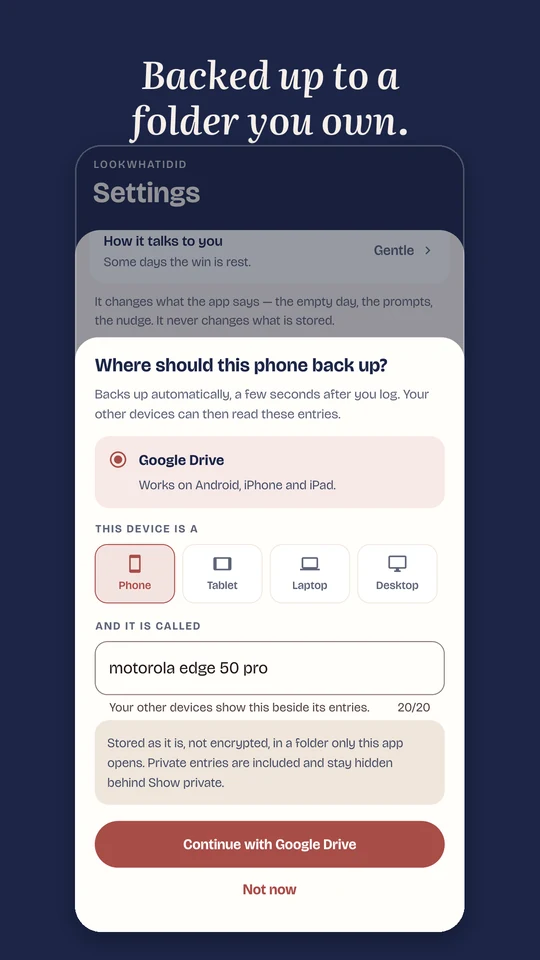
Where your log lives, the optional backup to your own Drive or iCloud, exporting, and deleting.
-
Privacy Policy
What the app stores, what leaves the phone and only when you switch it on, and who can read it.
-
Support
How to reach us, what to include, and answers to the questions that come up most.